 MEDIVEERSETHE PRACTICAL HUB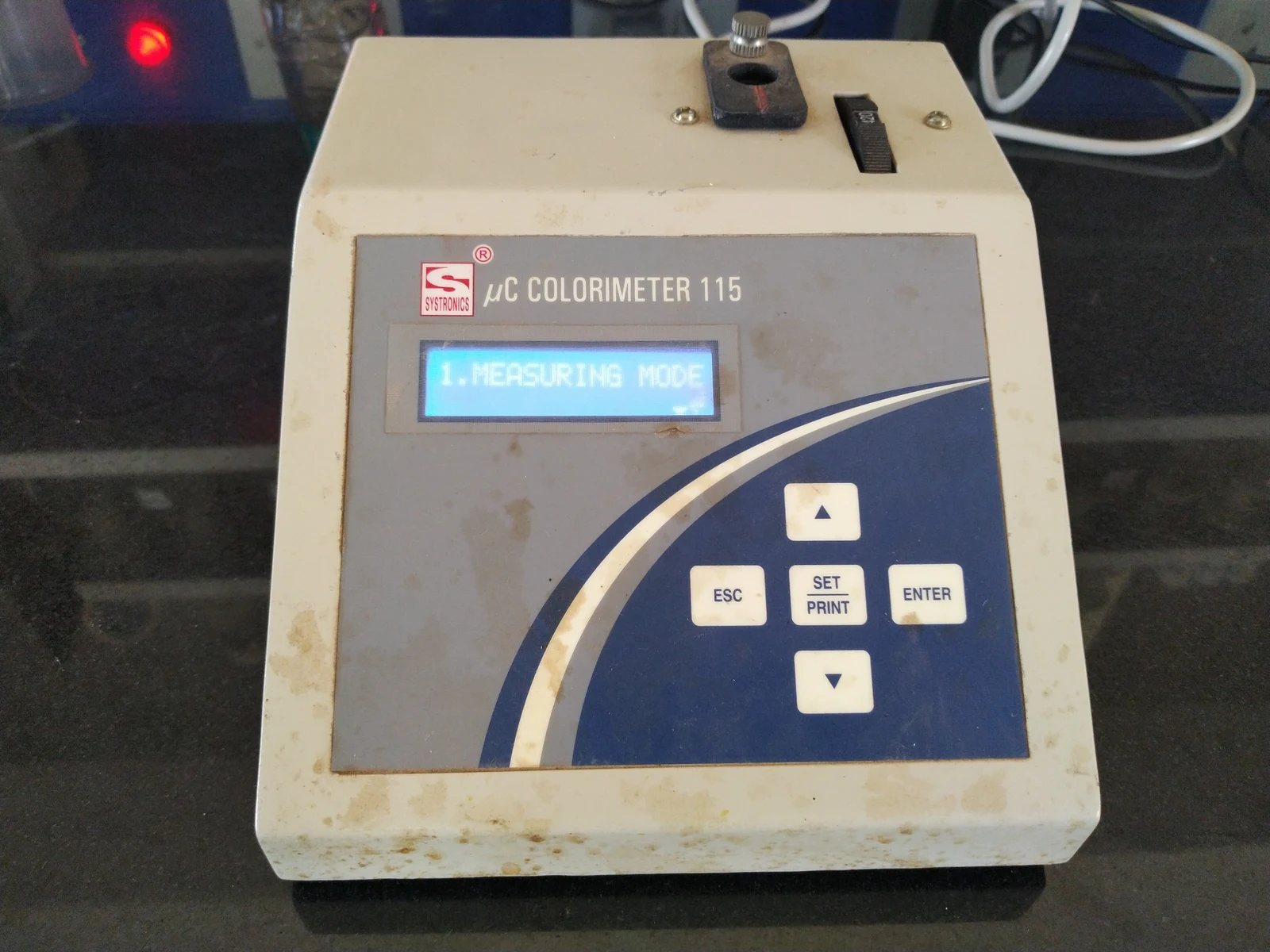
Receives the sample cell in the instrument’s light path. Use the cell and orientation specified for this model.
Zoom in, then drag to inspect. Keyboard: + / − to zoom, arrows to pan, 0 to reset. Tap the numbered markers to explore parts.
Photoelectric colorimeter — reference view
Image: Sonal Shinde · Source / original · CC BY-SA 4.0Resized and converted to WebP; original colours retained.
Photoelectric colorimeter
Filter photometer · colorimetry
What is its use?
Measures light absorption by coloured solutions in suitable biochemical assays.
Tap a number to locate its part. Zoom, drag or use full screen to inspect the reference. Models and graduations can differ; check the actual apparatus used in your laboratory.
How to recognise it.
- Sample compartment for a cuvette
- Wavelength selection or filter controls
- Absorbance or transmittance readout
A solution colorimeter measures transmission through a sample; a display-calibration colorimeter measures screen colour and is a different instrument.
Point them out.
Choose a part to bring its numbered marker into view.
The science behind the reading.
A selected band of light passes through a sample. Within the validated linear range, absorbance is proportional to concentration at a fixed optical path length.
Think first. Then reveal.
Explain your answer aloud before opening it.
01State Beer–Lambert law.+
A = εlc: absorbance equals molar absorptivity × path length × concentration under the law’s applicable conditions.
02Why use a reagent blank?+
It accounts for absorbance from the solvent, reagents and cuvette so the analyte-related change can be assessed.
03Why select a suitable wavelength?+
Sensitivity and specificity depend on the analyte or reaction product’s absorption spectrum and the assay method.
04Does any dark solution give a reliable concentration?+
No. Turbidity, interfering substances and readings outside the validated range can invalidate the result.
Read the references.
Teaching and clinical references are listed here. Image attribution and licence appear below the viewer.