 MEDIVEERSETHE PRACTICAL HUB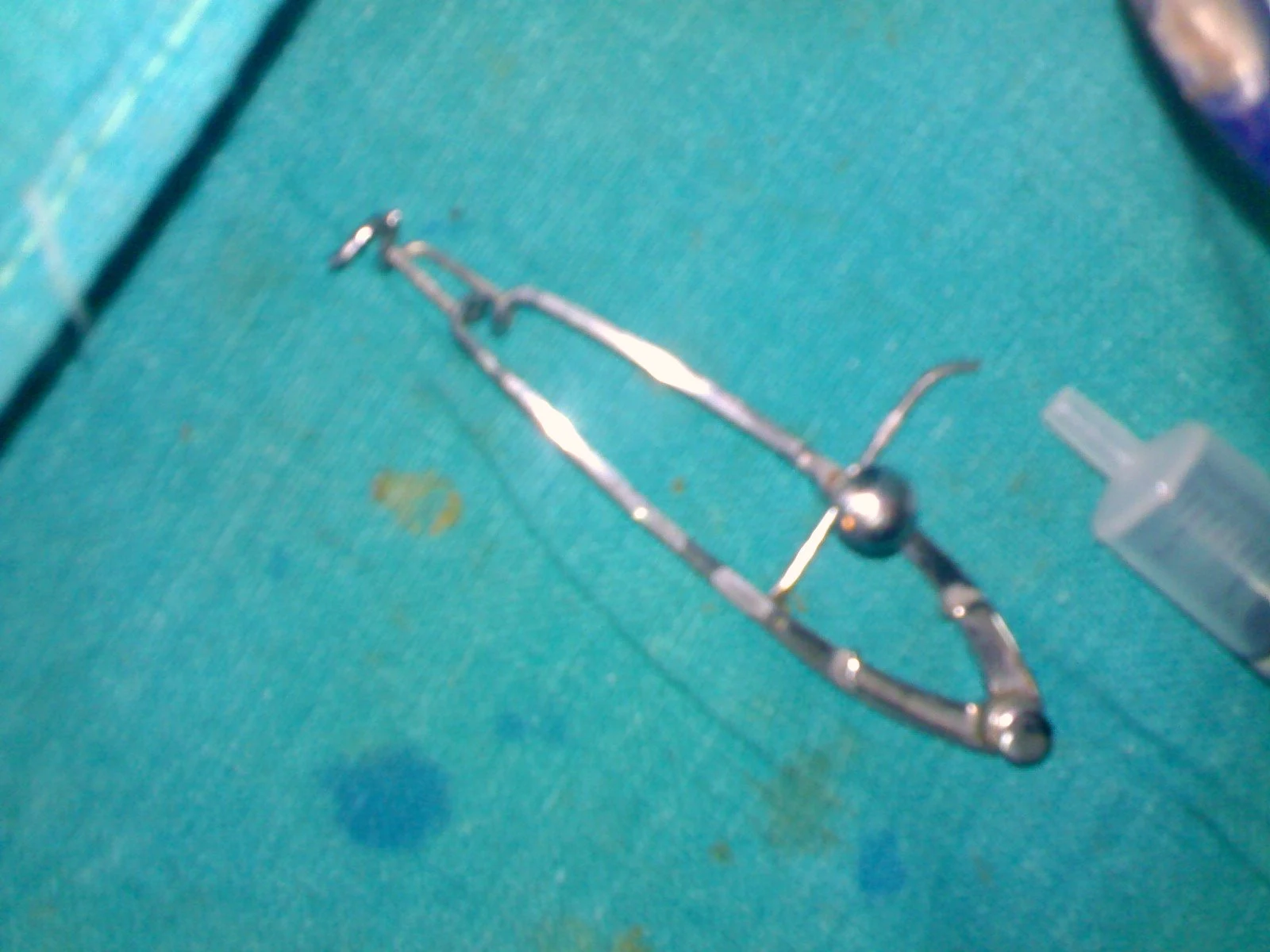
The paired small ends retain the lids apart.
Zoom in, then drag to inspect. Keyboard: + / − to zoom, arrows to pan, 0 to reset. Tap the numbered markers to explore parts.
Universal eye speculum — reference view
Image: Sarindam7 · Source / original · CC BY-SA 4.0Resized and converted to WebP; original colours retained.
Universal eye speculum
Adjustable lid speculum
What is its use?
Maintains lid separation during ophthalmic surgery.
Tap a number to locate its part. Zoom, drag or use full screen to inspect the reference. Models and graduations can differ; check the actual instrument used in your practical class or clinical posting.
How to recognise it.
- Paired lid blades
- Linked arms
- Adjustment or retention mechanism
Its more substantial adjustable structure differs from the simpler spring-wire design.
Point them out.
Choose a part to bring its numbered marker into view.
How it works.
A mechanical retaining mechanism controls the separation between the two lid blades.
Think first. Then reveal.
Explain your answer aloud before opening it.
01What is retained apart?+
The eyelids, to expose the operative field.
02What is the role of the adjustment mechanism?+
It sets and maintains the opening.
03Does stronger opening always improve exposure safely?+
No. Excessive tension can damage tissue or raise pressure on the globe.
04What should identify the subtype?+
Blade design and the adjustment mechanism, not the instrument’s size alone.
Read the references.
Teaching and clinical references are listed here. Image attribution and licence appear below the viewer.