Identify
Distinguish MRI from an X-ray CT scanner.
 MEDIVEERSETHE PRACTICAL HUB
LOOK CLOSELY / UNDERSTAND CLEARLY
Recognise an MRI system and explain magnetic-environment screening.
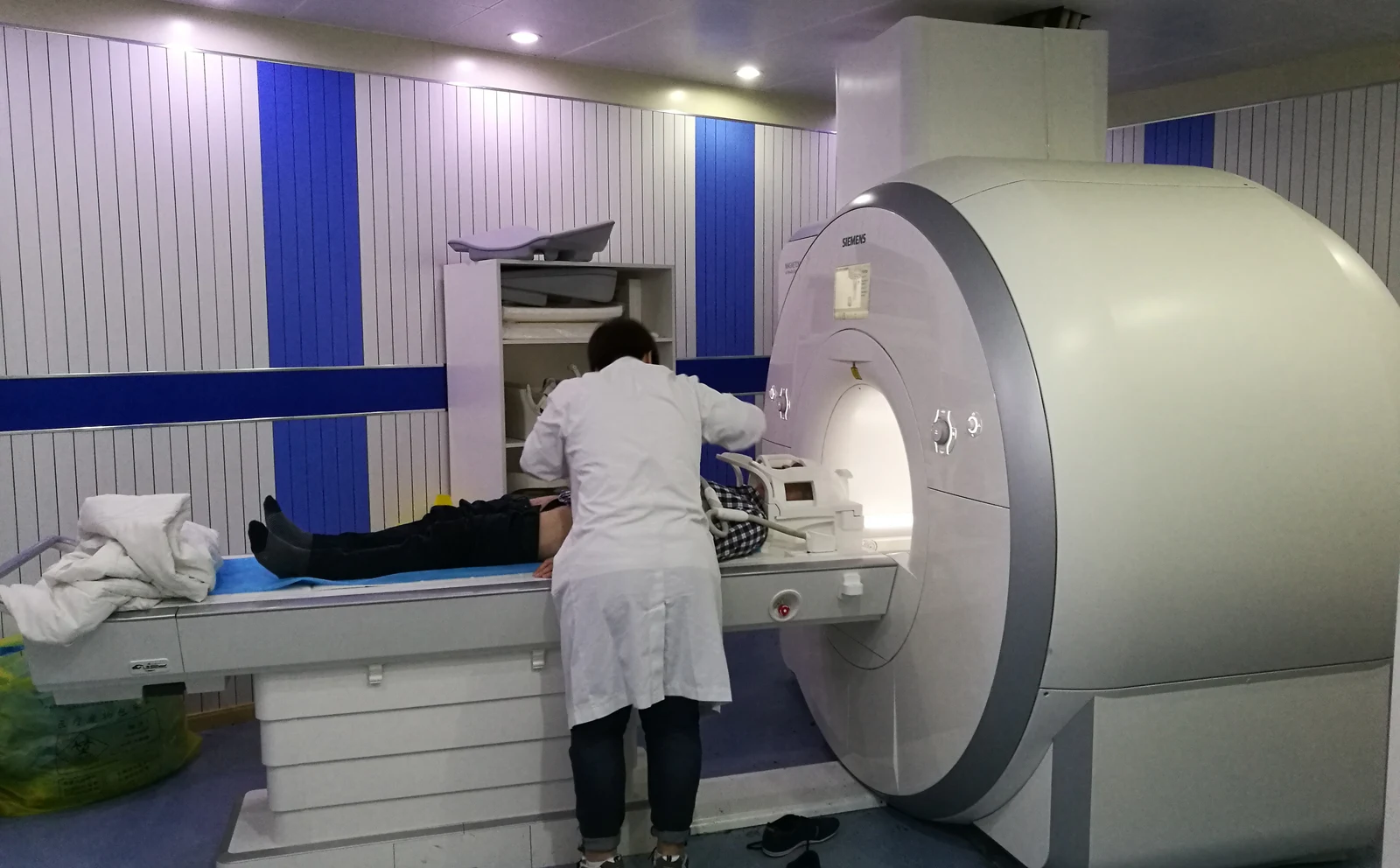
The central opening of the MRI system.
Zoom in, then drag to inspect. Keyboard: + / − to zoom, arrows to pan, 0 to reset. Tap the numbered markers to explore parts.
mri scanner — reference view
Image: Ptrump16 · Source / original · CC BY-SA 4.0Resized and converted to WebP; original colours retained.
Magnetic fields and radiofrequency interactions generate signals that are processed into images.
Distinguish MRI from an X-ray CT scanner.
Assess implants, devices, metal and other MRI-specific safety factors.
Explain the examination and evaluate contrast or support needs as appropriate.
Try answering aloud, then open the suggested answer. Examiner questions vary.
No. MRI does not use ionising radiation.
No. Compatibility depends on the specific device and its conditions; unknown status requires assessment.
The magnetic field can create dangerous forces and projectile risks.
No. Sequences provide different tissue contrast and answer different questions.